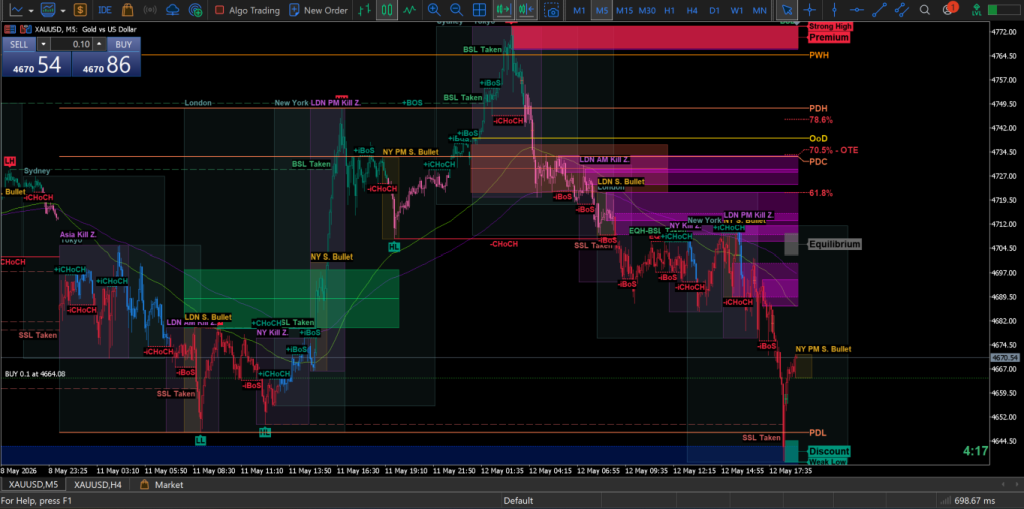
Using the Latest XAUCORE RGVFA Framework for Gold Trading (Not Just Basic MT5 Setup)
Introduction
Most beginner traders fail because they focus on the wrong question.
They ask:
“Should I Buy or Sell?”
Professional traders ask:
“Where is liquidity?”
“Who is trapped?”
“What confirms execution?”
“Should I avoid this trade completely?”
This is the core difference between random trading and structured execution.
Old-style trading guides teach:
- login to MT5
- press Buy or Sell
- use EMA crossover
- hope price moves
That approach destroys accounts.
At XAUCORE, we use the upgraded RGVFA framework.
RGVFA is no longer just a directional bias tool.
It is now a:
Liquidity-Based Intraday and Scalping Decision Engine
The framework prioritizes:
- Higher timeframe bias
- Liquidity mapping
- POI (Point of Interest) quality
- Displacement confirmation
- Session timing
- News and macro catalysts
- Strong no-trade suppression
This guide will teach you:
- How to login to your broker and MT5
- How to setup your Gold trading chart
- How to think like a professional XAUUSD trader
- How to avoid low-quality setups
- How to use the latest RGVFA logic before every trade
Remember:
MT5 shows price
XAUCORE explains intention
That difference changes everything.
Step 1 — Your Broker Account Comes First
Before MT5 matters, your broker account matters.
Your broker provides:
- market access
- execution
- spreads
- leverage
- account security
- deposits and withdrawals
MT5 is only the terminal.
Think of it like this:
Broker = access
MT5 = execution
Without the broker account, MT5 is useless.
What You Need From Your Broker
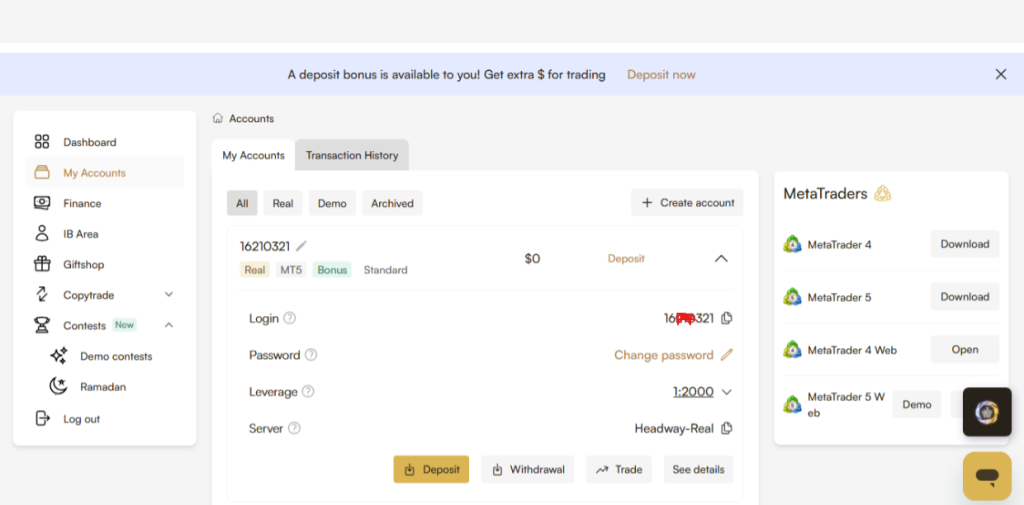
You must have these 3 details:
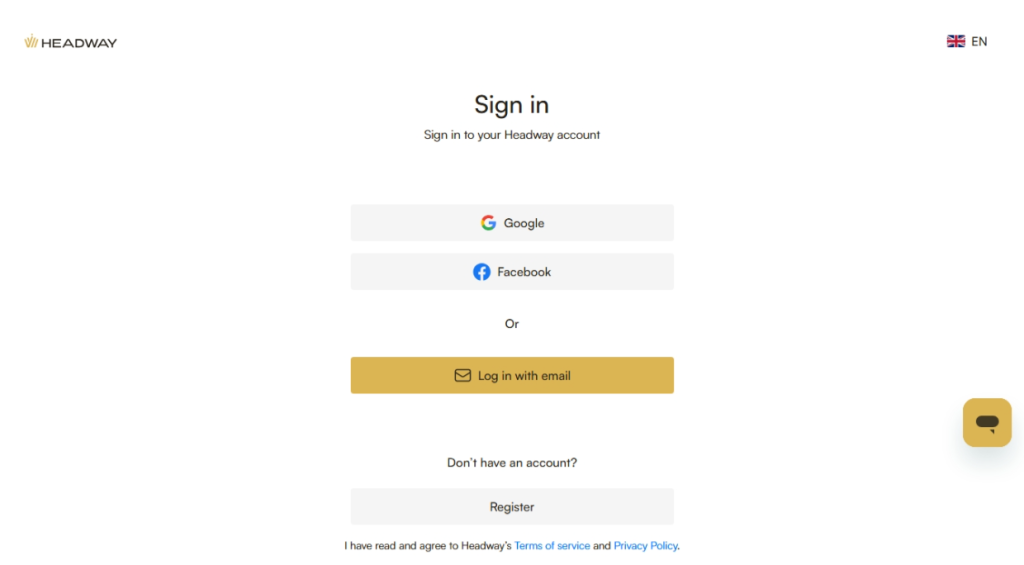
1. MT5 Login Number
Example:
84592173
This is your trading account number.
It is NOT your email address.
This is one of the most common beginner mistakes.
2. Trading Password
This is your MT5 trading password.
It may be different from your broker portal password.
Always verify this.
Never assume they are the same.
3. Broker Server Name
Example:
- ICMarketsSC-MT5-2
- Exness-MT5Real6
- Pepperstone-Edge09
This is extremely important.
Even with correct login and password:
Wrong server = login failure
This is the number one beginner issue.
Step 2 — Install MetaTrader 5
Now you need the actual platform.
MT5 is available for:
- Windows
- Mac
- Android
- iPhone
- tablets
For this guide:
We focus on:
- Desktop
- Mobile
Download Only From Official Sources
Never download MT5 from random websites.
Only use:
- official MetaTrader 5 website
- App Store
- Google Play Store
Fake apps exist.
Avoid them.
Security matters.
Especially in trading.
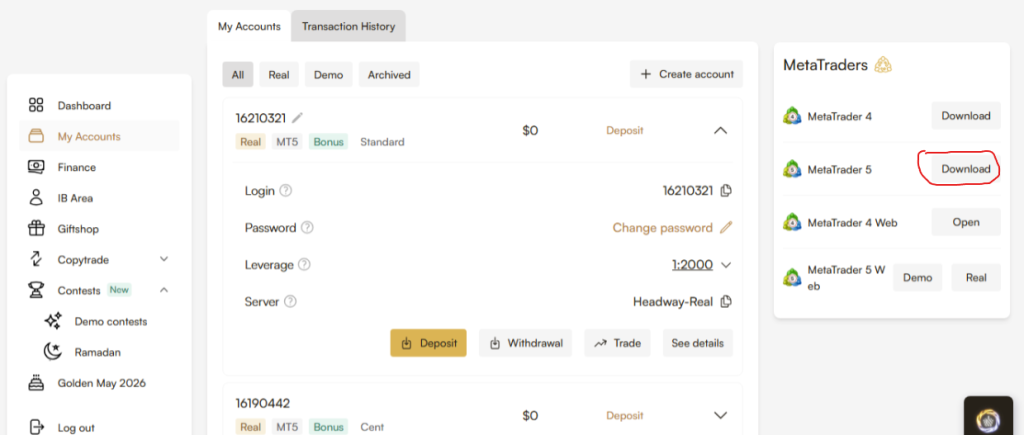
PC MT5 download
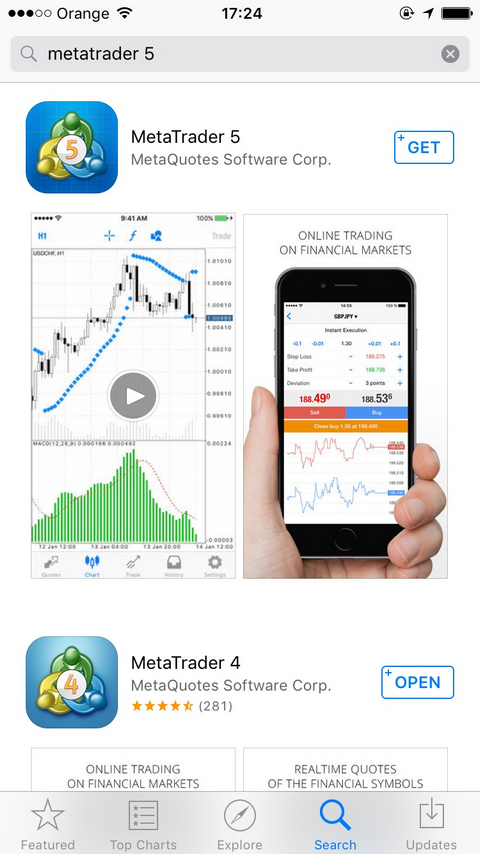
App Store MT5 download
Step 3 — Login to MT5 (Desktop)
Once installed:
Open MT5.
The interface may look overwhelming.
That is normal.
We simplify it.
How to Login
At the top menu:
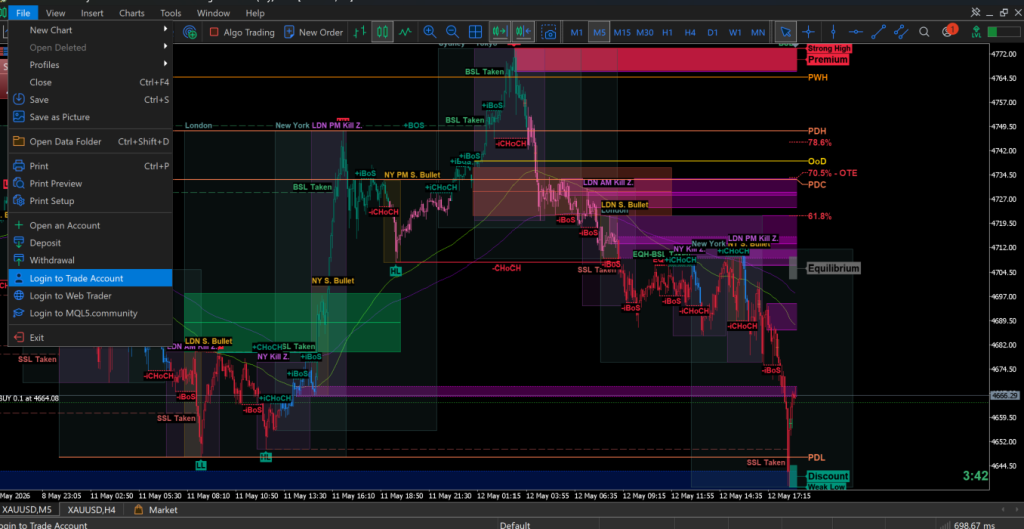
File → Login to Trade Account
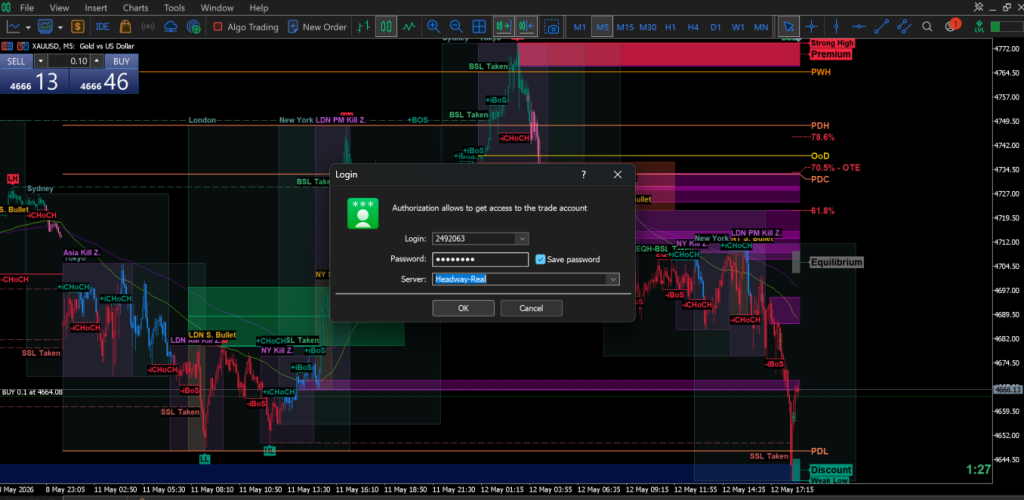
A login box appears.
Enter:
- Login Number
- Trading Password
- Correct Broker Server
Then click:
OK
If successful:
You are connected.
You can now trade.
Common Login Failures
Usually caused by:
Wrong server
Most common.
Wrong password
Often confused with broker portal password.
Investor password instead of trading password
These are different.
Broker account not activated yet
Sometimes happens with fresh accounts.
Step 4 — Login to MT5 (Mobile)
Most Gold traders monitor on mobile and execute on desktop.
Some trade fully on mobile.
Both work.
Mobile Login Process
Open MT5 App.
Go to:
Settings → Manage Accounts
Then:
Add Account
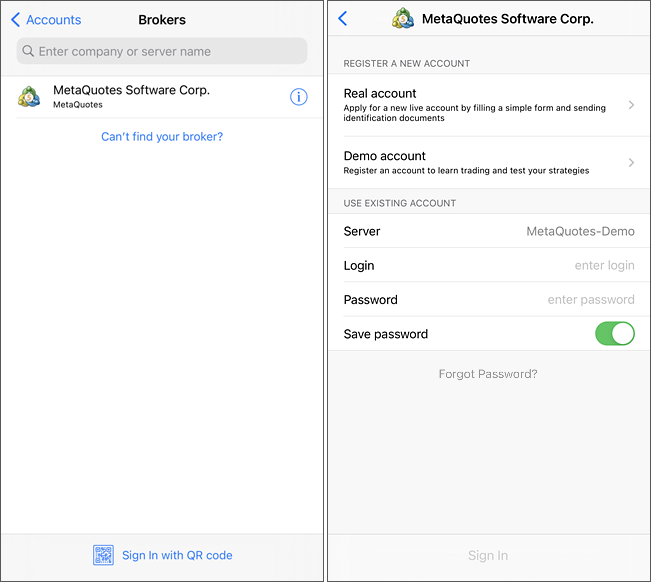
Search your broker.
Example:
“IC Markets”
Select the exact correct server.
Then enter:
- login number
- password
Done.
Important
Some brokers have many servers.
Never guess.
Always confirm from your broker portal.
Wrong server means failed login.
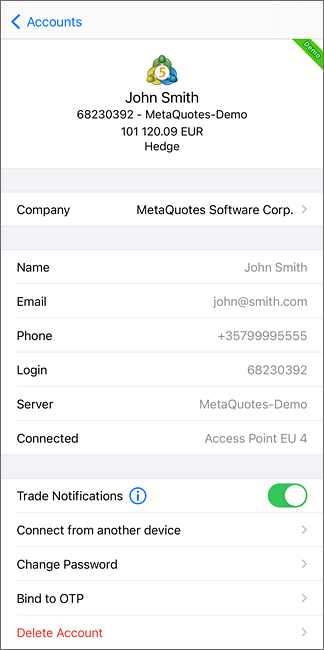
Manage account screen
Broker Search Screen
Mobile Login Screen
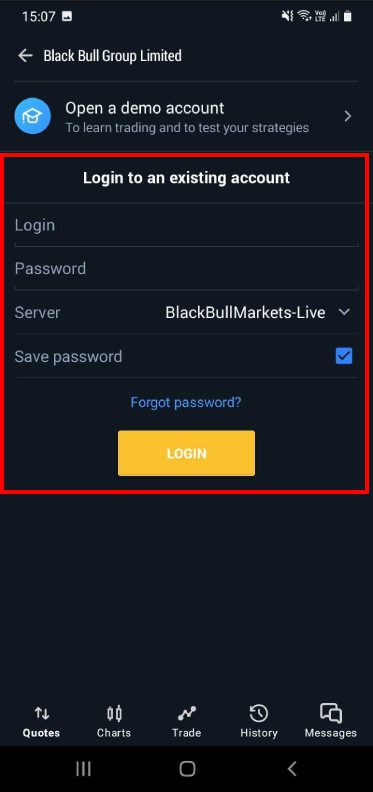
Step 5 — Add XAUUSD (Gold)
Now we move to the instrument:
XAUUSD
This means:
Gold vs US Dollar
This is the primary market for most XAUCORE traders.
This is where the framework is built.
Why Gold?
Because Gold reacts strongly to:
- CPI
- FOMC
- NFP
- Federal Reserve speeches
- interest rates
- inflation
- USD strength
- bond yields
- geopolitical risk
- recession fears
Gold moves with purpose.
But it punishes poor traders quickly.
Respect it.
How to Find XAUUSD
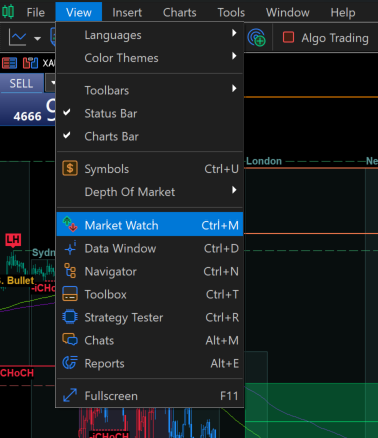
In MT5:
Go to:
Market Watch
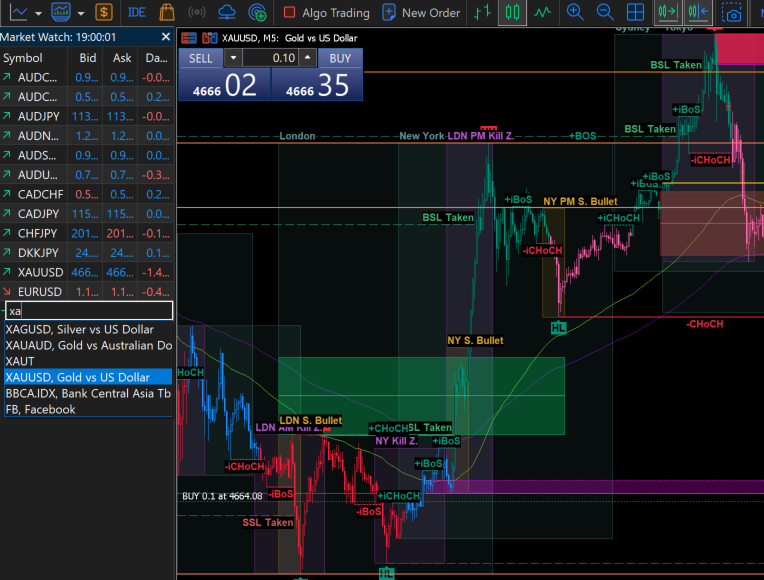
If XAUUSD is missing:
Right Click → Symbols
Search:
XAUUSD
Double click to activate it.
Now it appears.
Market Watch Window
Symbols Search Window
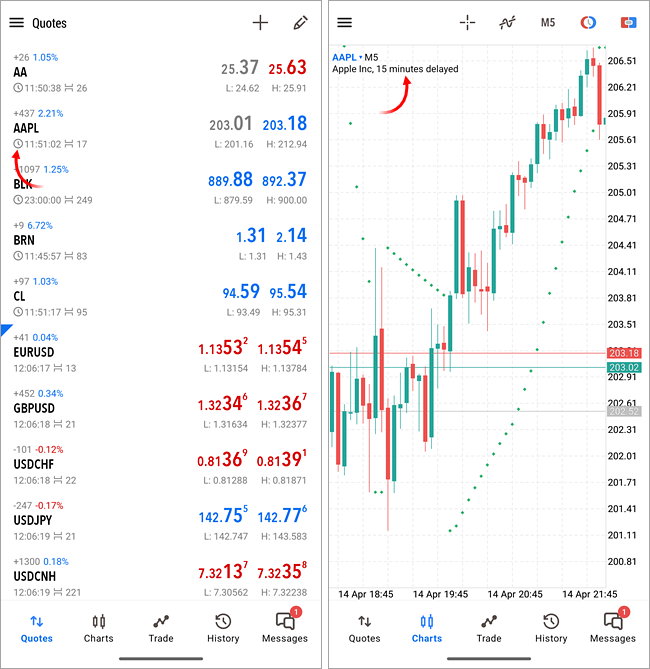
Mobile Quotes Screen
Step 6 — Open Your Gold Chart
Now we open the battlefield.
This is where real trading starts.
Desktop
Right click:
XAUUSD → Chart Window
The live Gold chart opens.
First Beginner Mistake
They add:
- too many indicators
- too many colors
- too many random tools
This creates emotional trading.
Professionals use:
Clean charts
Not messy charts.
Clarity wins.
Step 7 — Setup a Professional Trading Chart
This is where XAUCORE separates from basic retail trading.
We do not trade indicators.
We trade:
Liquidity + Displacement + Timing
Indicators support.
They do not decide.
Recommended Timeframes
Use:
M15
Execution entries
M30
Confirmation and structure
H1
Directional bias
H4
Major market structure
Avoid:
M1 and M5
Too much noise.
Too much emotional execution.
Too much fake movement.
Beginners should avoid them.
Recommended Indicators
Use:
EMA 100
EMA 200
Important:
EMA is now:
Supporting context only
Not primary confirmation.
Never trade just because EMA crossed.
That is old logic.
Professional execution prioritizes:
Liquidity first
Displacement second
EMA third
Exactly in that order.
Final Professional Chart Setup